
Headings Wizard
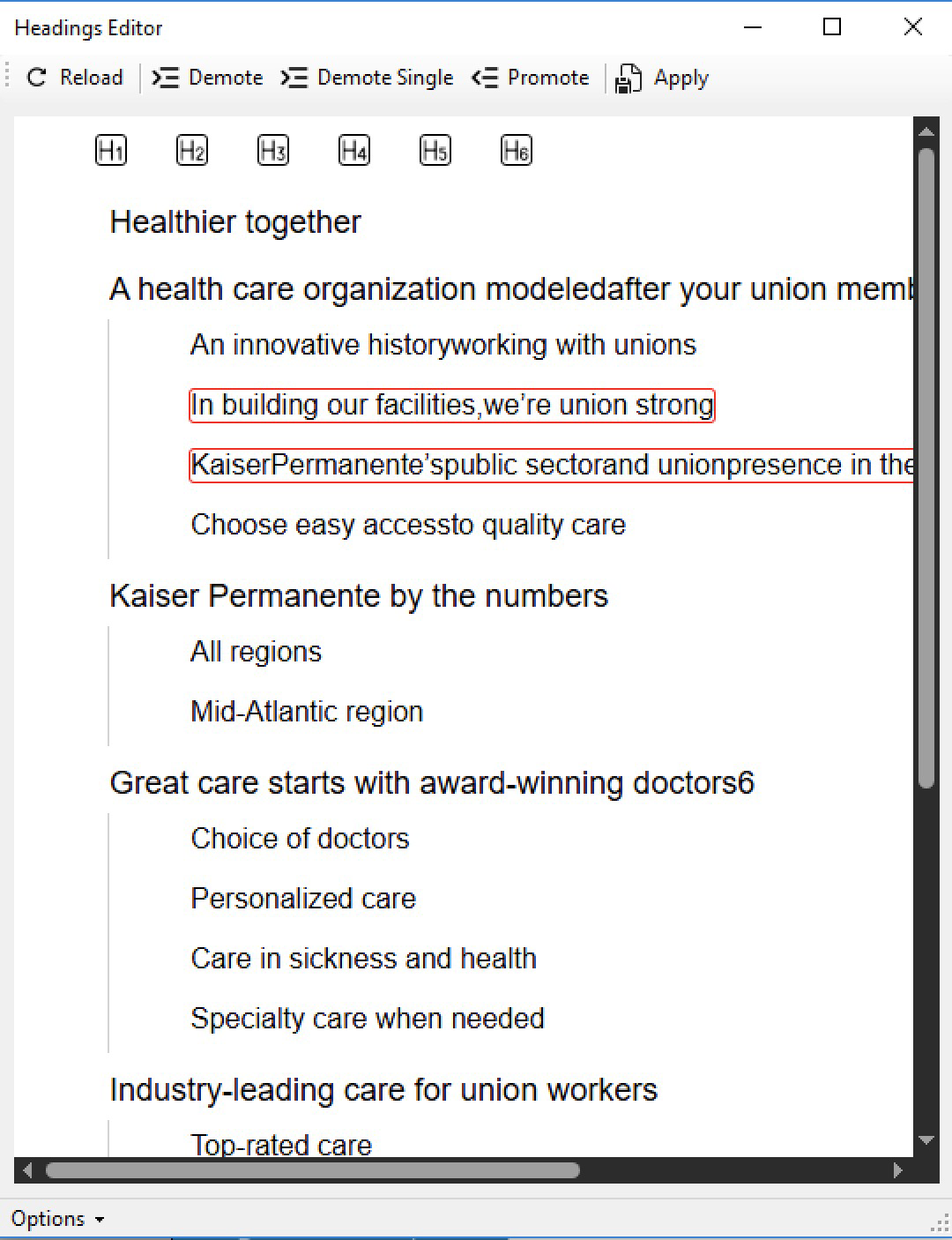
This wizard is designed to view and edit the headings in the entire document in a visual way. It provides a way to view the headings as pure text (in varying font sizes) or as visuals (cropped from original page images). It shows a row of Hn icons to indicate the heading levels. Once you apply, changes are made to the tags right away.
- Use Tab to move selected headings to lower levels (demote)
- You have a choice to demote a single item or along with its children
- Use Shift+Tab to move to upper levels (promote)
- Use mouse drag to select items
- Use mouse drag (or single click on blank area) to unselect
Link Target Page Number Editing
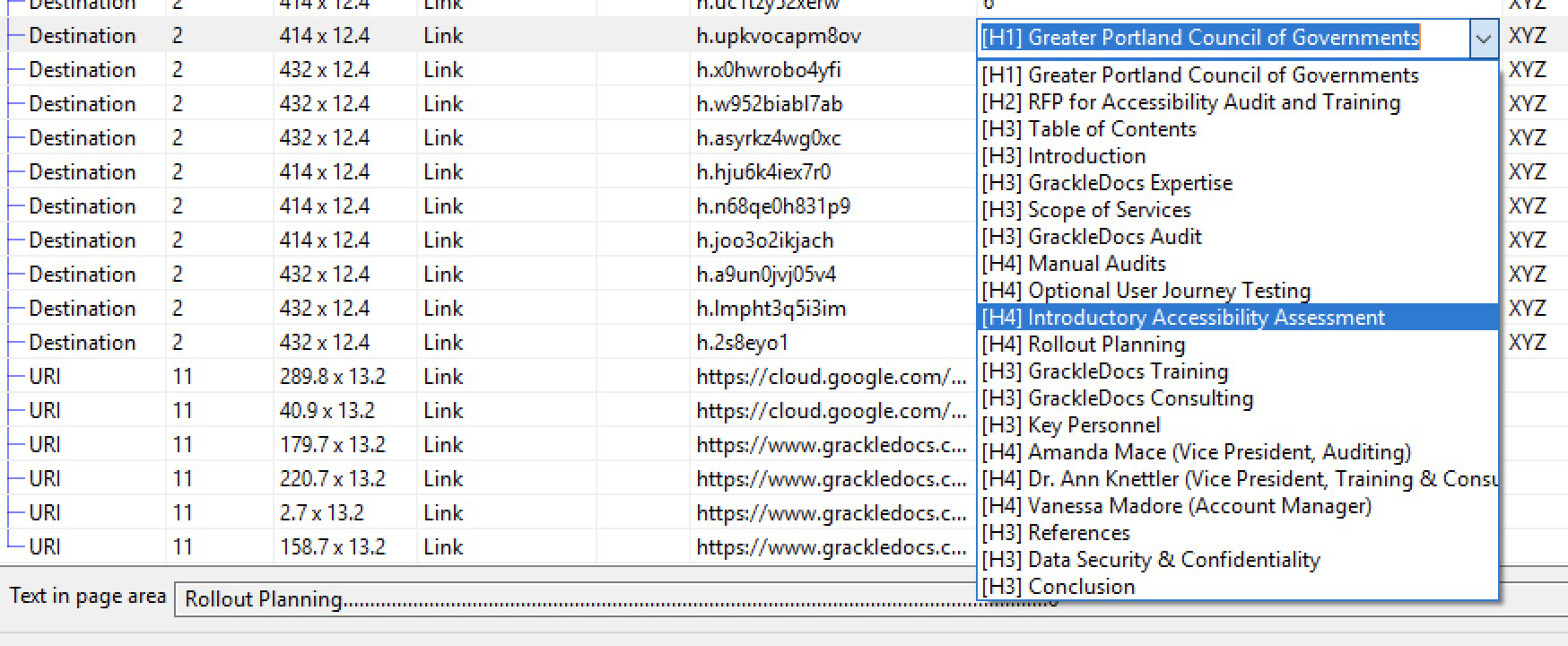
For links of proper types (internal links), you can edit the target page by providing a page number or by choosing from the heading levels.
MCID Data Corruption Details
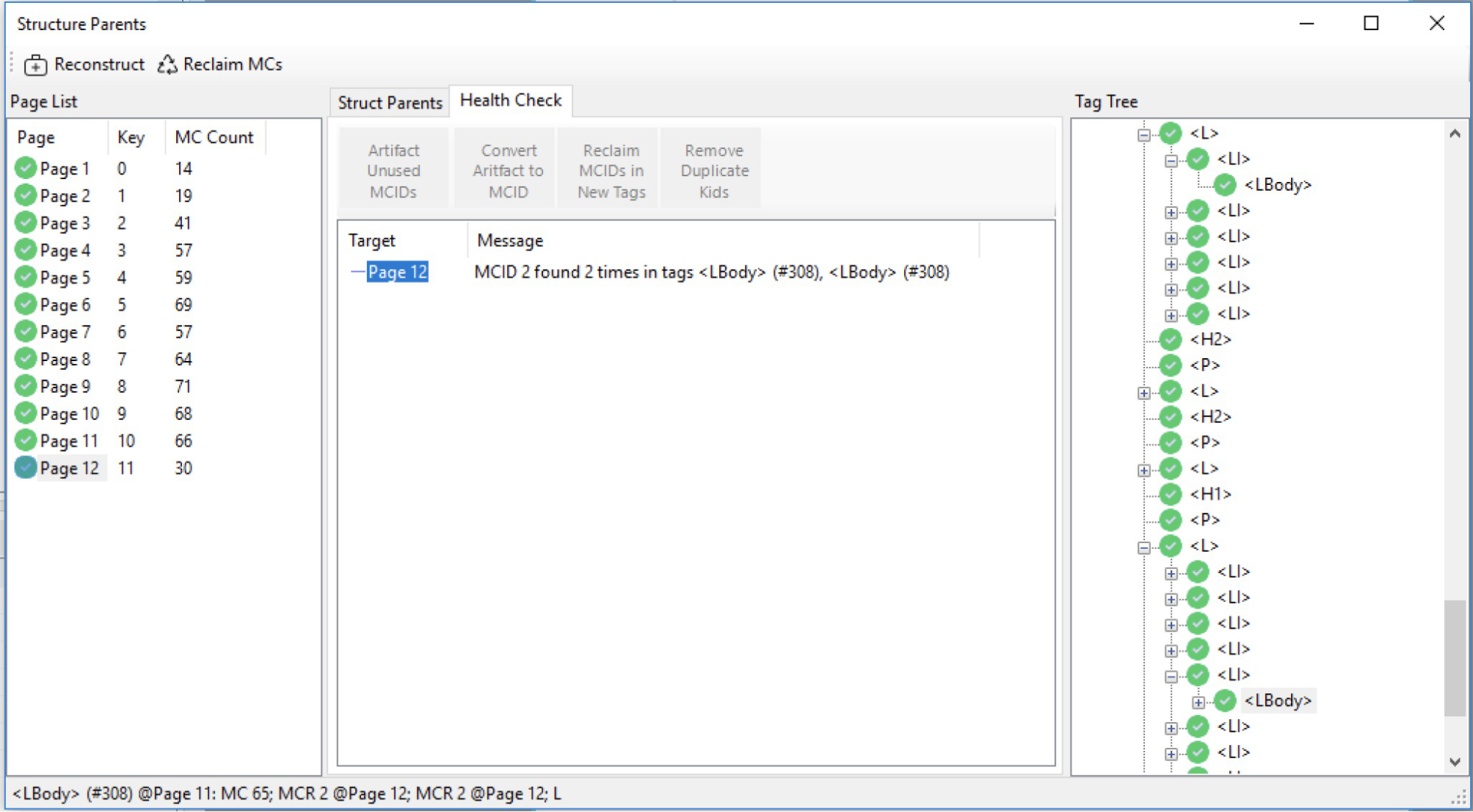
Better detection of MCID errors and options to fix them. Such data corruptions are analyzed more precisely to reveal what may even evade validation process.
Other Notable Changes
- Reading order is now shown with more clarity with the use of circled numbers and small arrows following the sequence.
- Flate compression algorithm enhanced to withstand occasional encounterment of legacy compression schemes.
- Better handling of page labels, now supporting a more complex organization of page labels.
