
-
Undo/Redo Capability
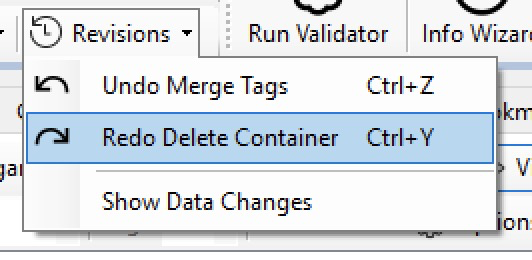
Now you can use the standard Ctrl+Z key combination to undo the most recent change (in most cases). You can keep pressing it to undo the commands in reversed order. Likewise, you can press Ctrl+Y to redo a command that�s just undone. Undo / Remo supports most operations throughout the editor, but some intricate changes cannot be supported.
When a wizard is involved, however, you can restore to the status before the wizard is opened, but not undoing detailed steps within that wizard. In addition, directly editing object data cannot be undone.
-
Focus (Highlight) Mode
A new viewing mode is added to the page viewer. This mode put the entire page under a translucent mask layer with highlighted portions shown above, so as to make them more noticeable. This may have with:
- Search results
- Untagged portions
- Selected tags
- MCIDs with issues
- Highlighting font glyphs
-
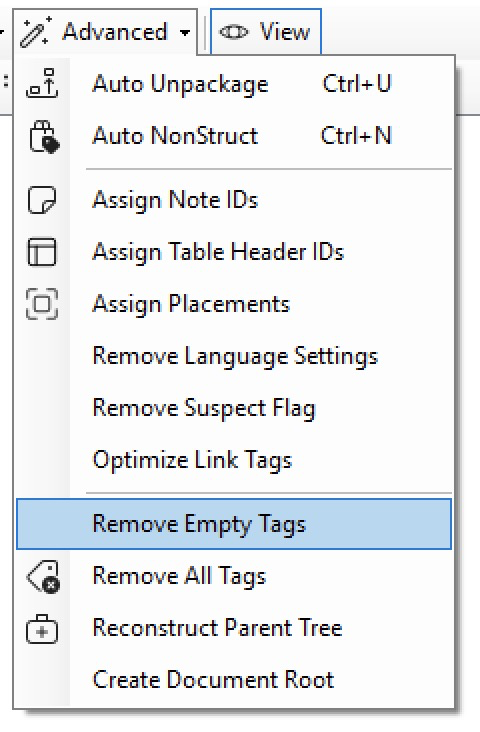
Remove Empty Tags
The command “Remove Empty Tags” may be handy for cleaning up files generated by programs (such as Word) that contain many empty paragraph tags, inline tags, and group container tags.
-
Inclusion of WCAG Checkpoints
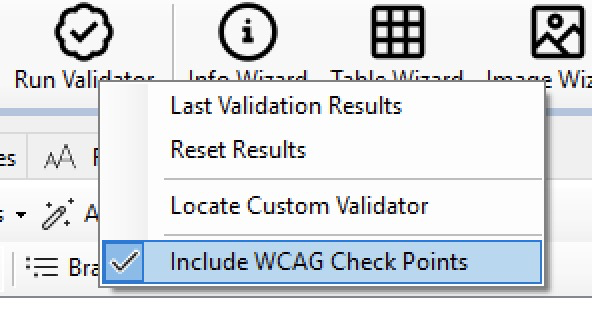
Right-click on the “Run Validator” button to reveal a new option that you can check on and off, which determines if WCAG checking is included in the validation. Please note that the WCAG results are not included in the calculation of PDFUA score or the report.
 The same option is also available in the Access Guide itself, so that you can change it in re-checking of the PDF.
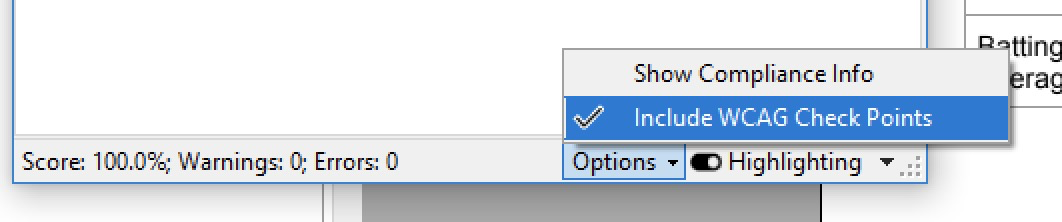 The new “Highlighting” option button shows you a popup menu, to show or hide errors of different types. Check the button off to hide all validation errors.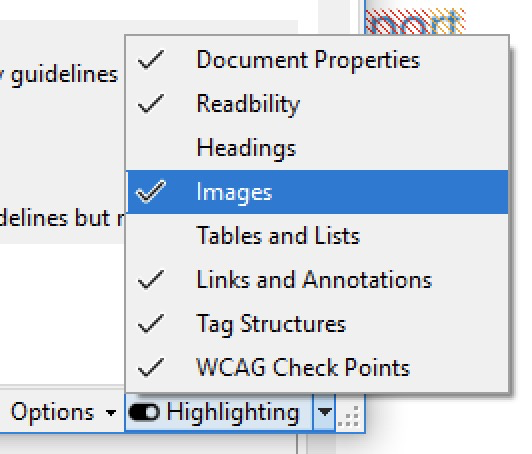
-
Other Notable Changes
- In Pages panel, you can split a PDF file into single pages.
- In Access Guid, structure parent tree consistency and other tag structure checks are now elevated to become the first, because of their importance.
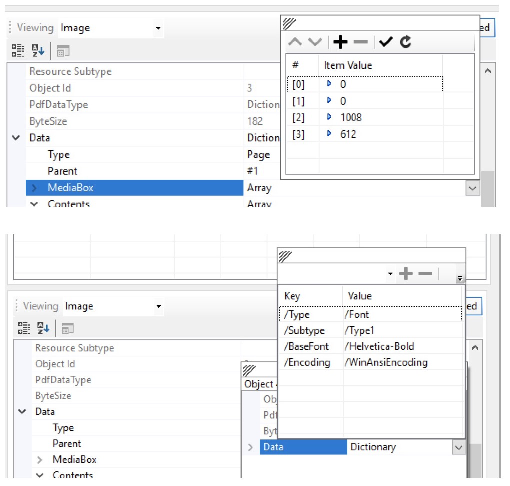
- Dictionary and array editors are now in place.
Spring 2025 Grackle PDF Updates
