
-
Batch Mode (Scripting)
The “Grackle Pro” version enables defining your document processing workflow in a script that be used to process a batch of files automatically. Zero lines of coding is required – you edit the workflow visually by arranging the building blocks like Lego pieces, which include actions that work with tags, tables, metadata, pages, and more. You can even run the script visually to monitor the process. See dedicated documentation for details.
-
Page List
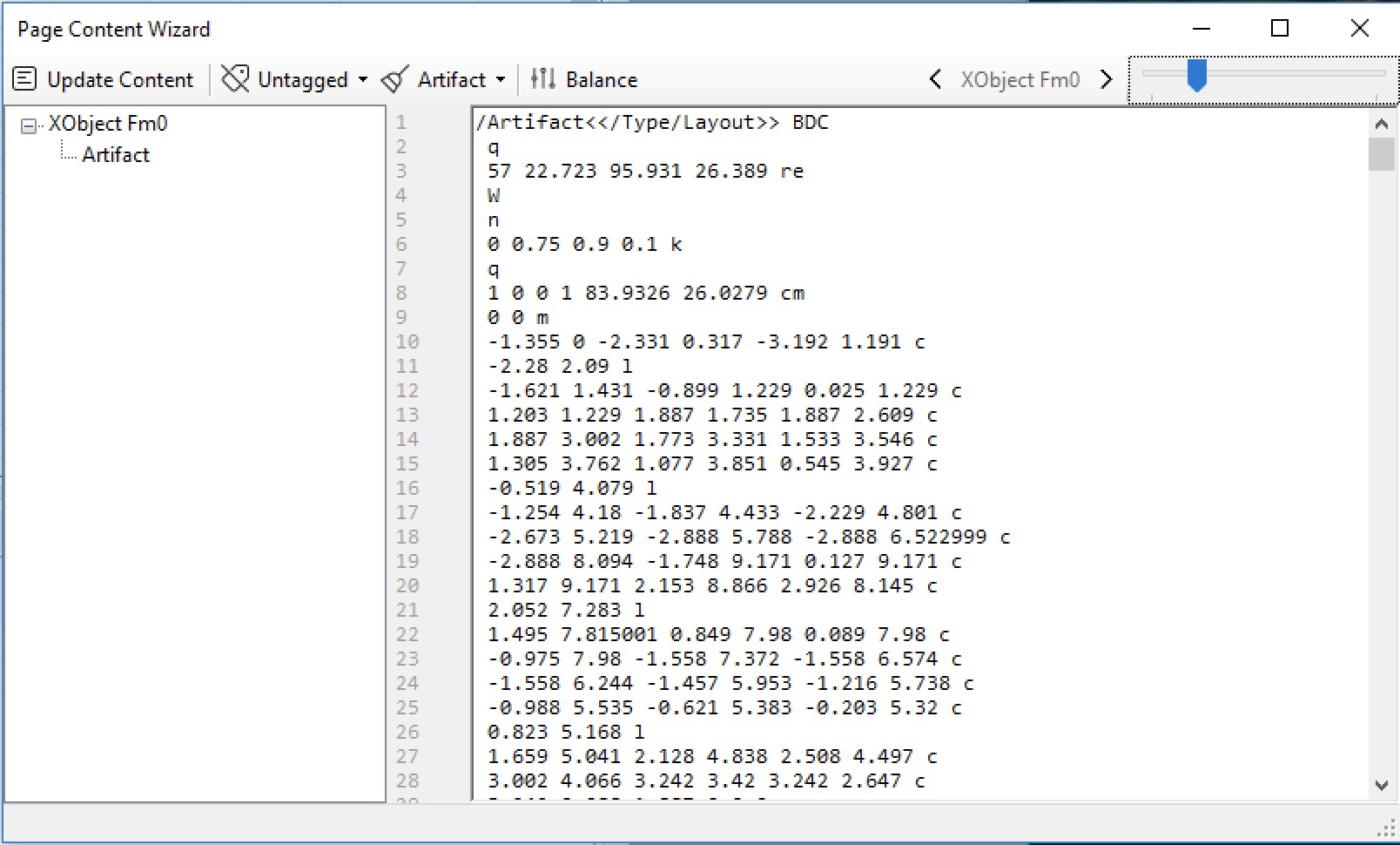
- Integrated View – Page list items are now expandable to reveal XObjects and annotations as branches (sub-level items). Previously, the XObjects were not shown, and the annotations were shown in a separated list view.
- Page Composition – The “Composition” button now can also show the content of the XObjects. If you selected an XObject, the dialog would cycle through all XObjects in the document instead of pages.
-
Unicode Mapping Tool
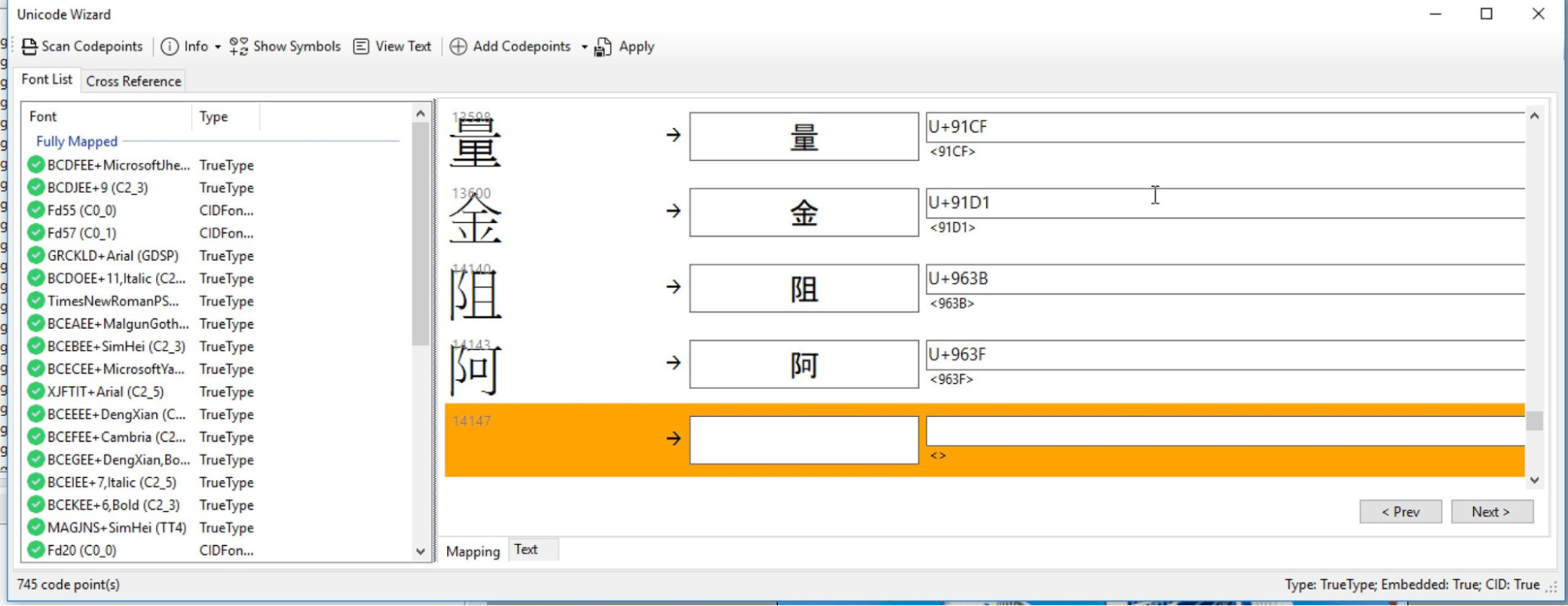
- Large Charset – In order to limit the list size and resource consumption of code points, the display is now paginated. Each page now shows not more than 256 entries.
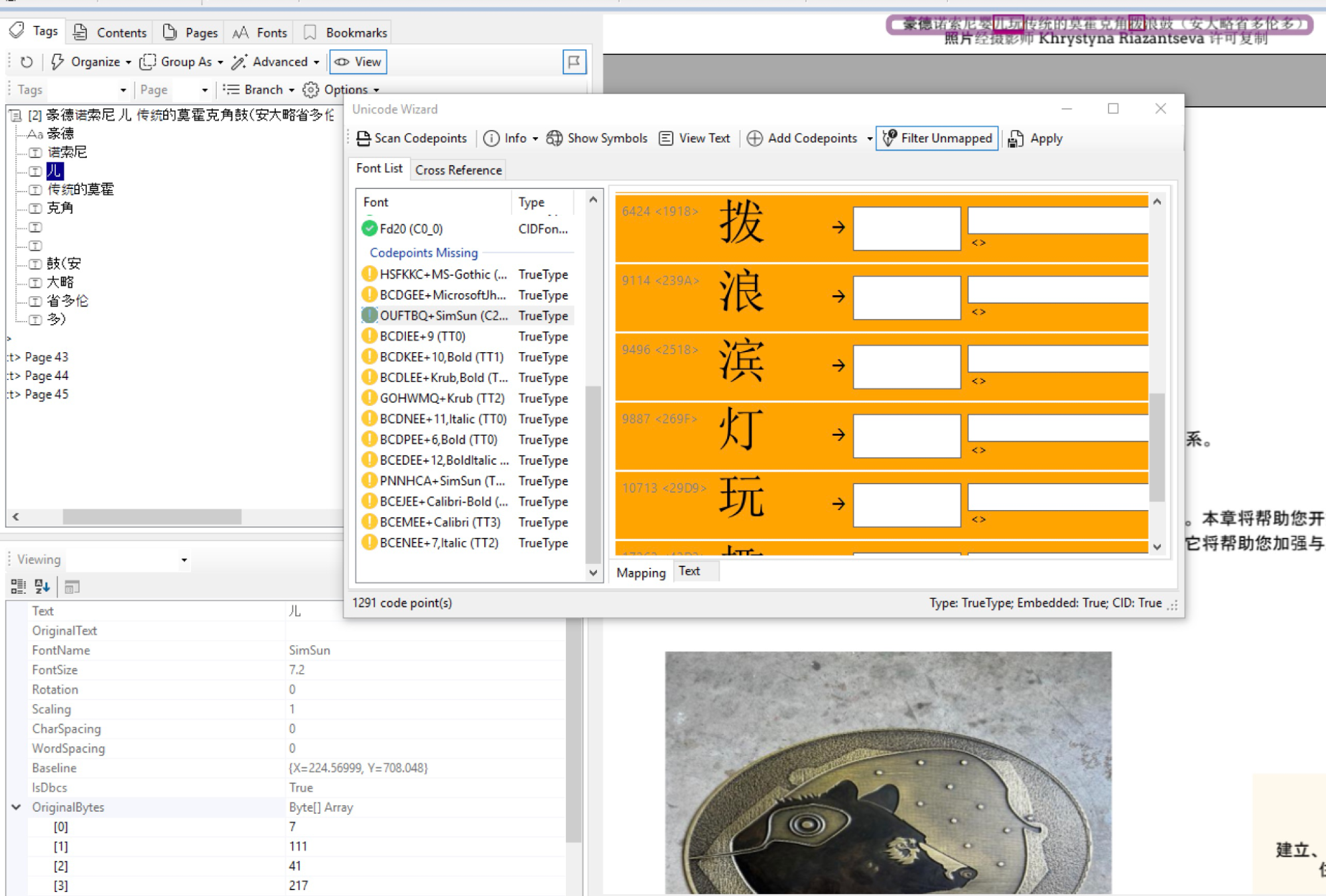
- As a reminder, double-clicking on the glyph’s visual will also highlight the characters. Keep clicking to cycle through all instances in document, and the text content items would be highlighted when possible. You can check the original bytes in the property viewer at the bottom left corner of the screen.
- Large Charset – In order to limit the list size and resource consumption of code points, the display is now paginated. Each page now shows not more than 256 entries.
-
Space Insertion Fixes
Care was taken to improve the syntactical and compositional correctness of the processed pages. Fixes included processing of grayscale colorspace, skewed text (imitated italic font), HTML error in dialog, and excessive HTML that can disable JavaScript response. The dialog will try to warn you if this happens. In this case, just specify a smaller range of pages to make it workable again.
-
Image Wizard
- Thumbnail View – A thumbnail is shown to help you identify the figure tags directly.
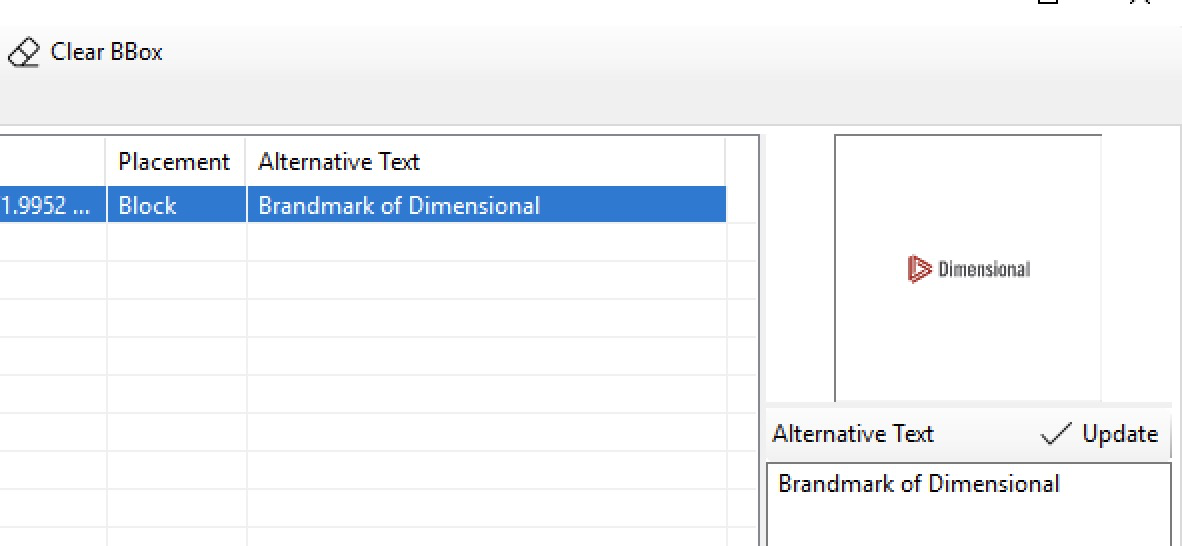
- Reset Bounding Boxes – New buttons provide the ability to clear or reset bounding boxes to address the situation where such boxes may not be correct in the original PDF.
- Thumbnail View – A thumbnail is shown to help you identify the figure tags directly.
-
Deprecating Features
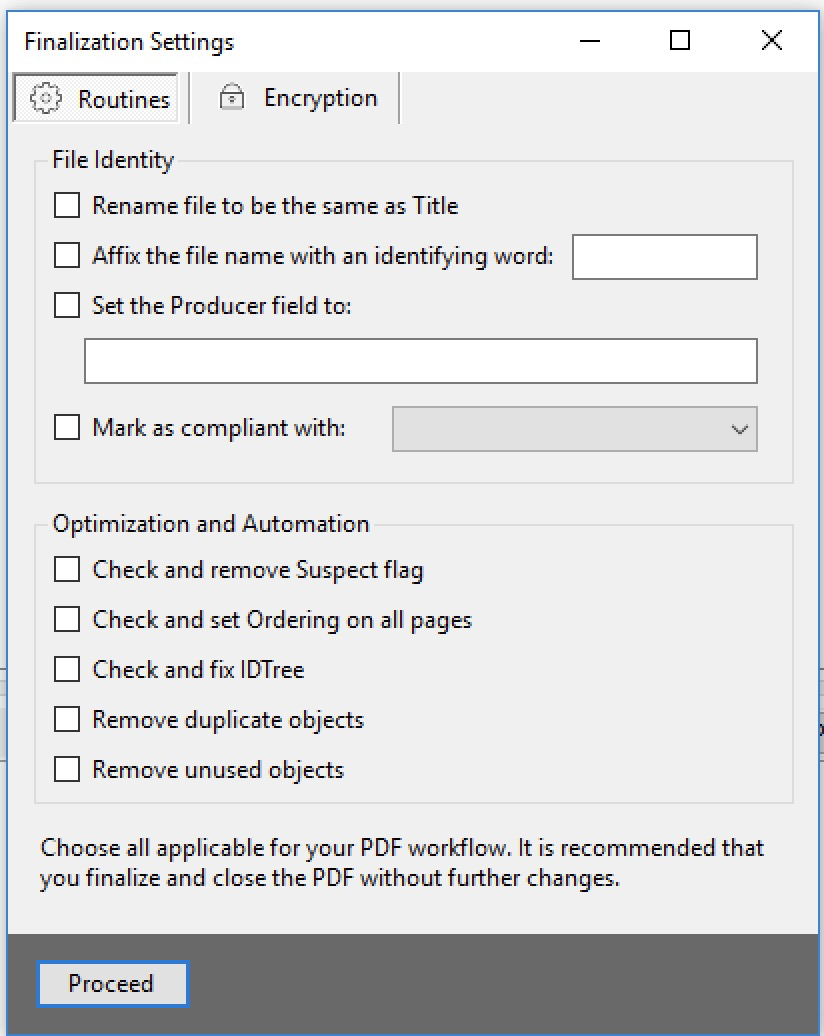
This feature is to be retired in the near future. This was a tentative design and the functionalities seen here are either not needed or done in other parts of the program.
Fall 2024 Grackle PDF Updates
